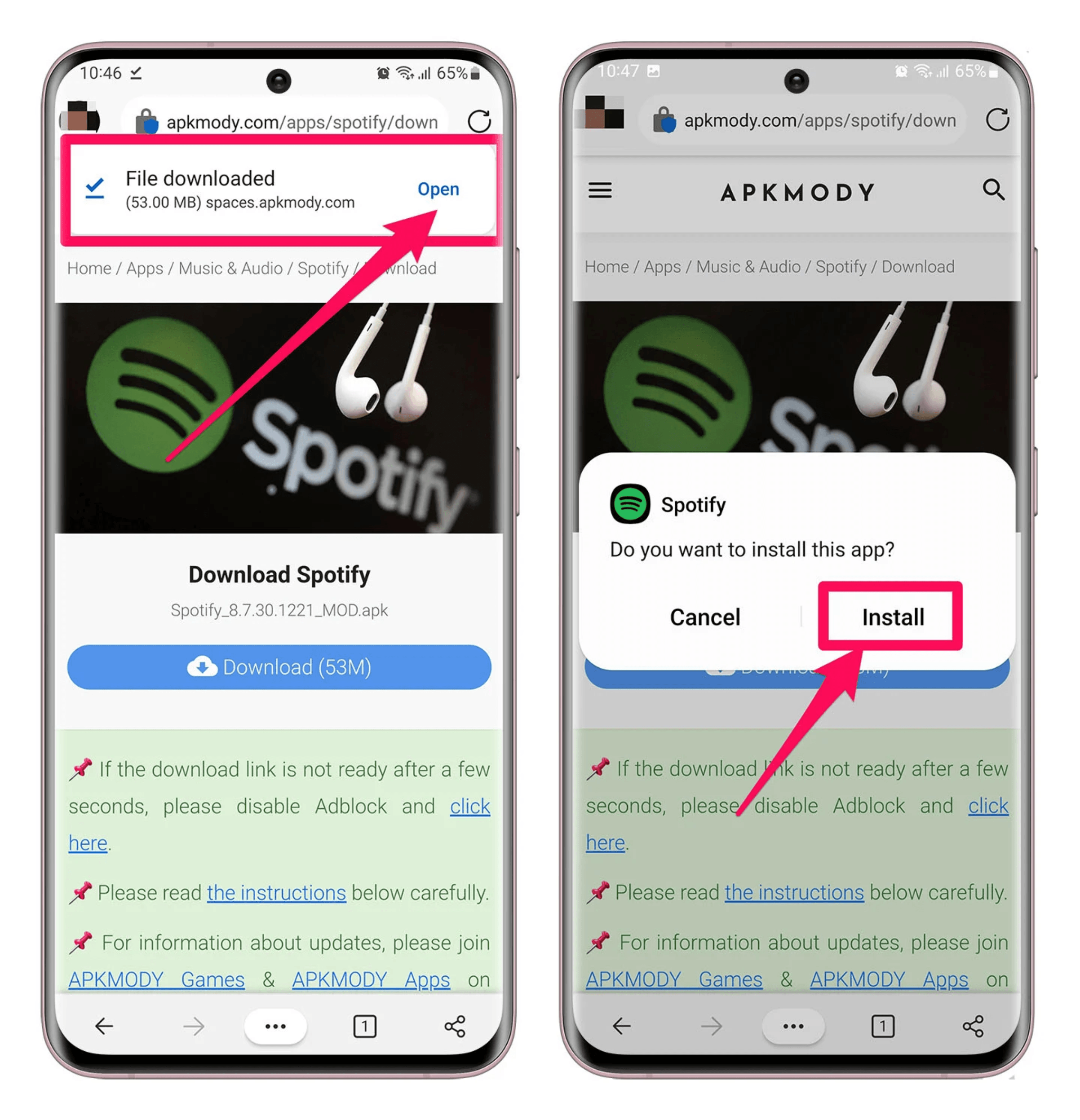
How to install APK, APKs, XAPK?
When you download games and apps from GetFast Store, you need to install them on your device before you can use them. If you are not sure how, start with the notes below.
GetFast Store packages and shares apps in the common formats APK, APKs, and XAPK. To install them successfully, it helps to know how each format works.
About APK, APKs, and XAPK
APK is the basic package format for Android apps. It is the simplest file, and you can install it directly on an Android phone or on a PC through an emulator.
APKs is a ZIP archive of several Android App Bundle split APKs. These files are usually smaller than a full APK because they only include the pieces a device needs. You cannot install an APKs file by opening it. Use an installer that supports this format.
XAPK uses the same structure as APKs, and it also includes OBB data, the large extra files some Android apps need.
What is an APK?
An APK is an Android package. Install the file on an Android phone to use the app, or install it on a PC with an Android emulator.